


AutoSmart Parts
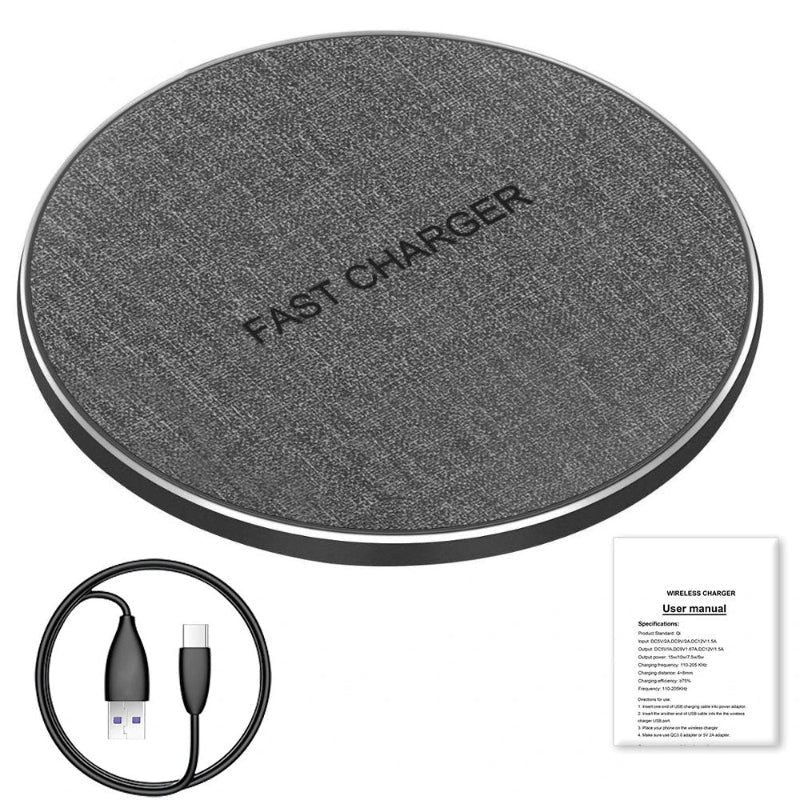
Wireless Charger Dock (Phone + Earbuds) Type-C 2-in-1
Two devices, one dock, zero cables. This 2-in-1 wireless charger powers your phone and earbuds simultaneously via Type-C tidy, fast and always ready.
Regular price
$68.99 AUD
Regular price
$99.99 AUD
Sale price
$68.99 AUD
 Secure shipping
 Easy exchange
 24/7 support
 2-in-1 dock for phones + earphones
Type-C connector for easy power setup
Charging indicator + cable included
Max output power 40W
Quantity
Couldn't load pickup availability
Specifications
Specifications
Compatible With
Compatible With
What’s Included / Care Instructions
What’s Included / Care Instructions


 After
After
 Before
Quick Use
1. Confirm Device Compatibility
Make sure your phone/earbuds are compatible with the dock’s charging method and placement.
2. Plug In via Type-C
Connect the dock to power using Type-C (use a stable power source).
3. Place Devices and Check the Indicator
Place your phone/earbuds on the charging areas and confirm charging via the indicator light.
Common Questions Before You Buy
What is this product?
A 2-in-1 charging stand designed for phones and earphones, using a Type-C connector and a built-in charging indicator
Does it charge two devices at the same time?
It is marketed as a 2-in-1 dock and the spec table lists compatibility with phones and earphones.
What is the maximum output power?
The specs list Max output power: 40W.
Will it work with my device?
Your phone/earbuds must support the charging method used by the dock (wireless/compatible placement). The spec table lists Compatible brand: Apple iPhone—confirm compatibility for your exact device before ordering.
What connector does it use?
The specs list Type C.