


AutoSmart Parts
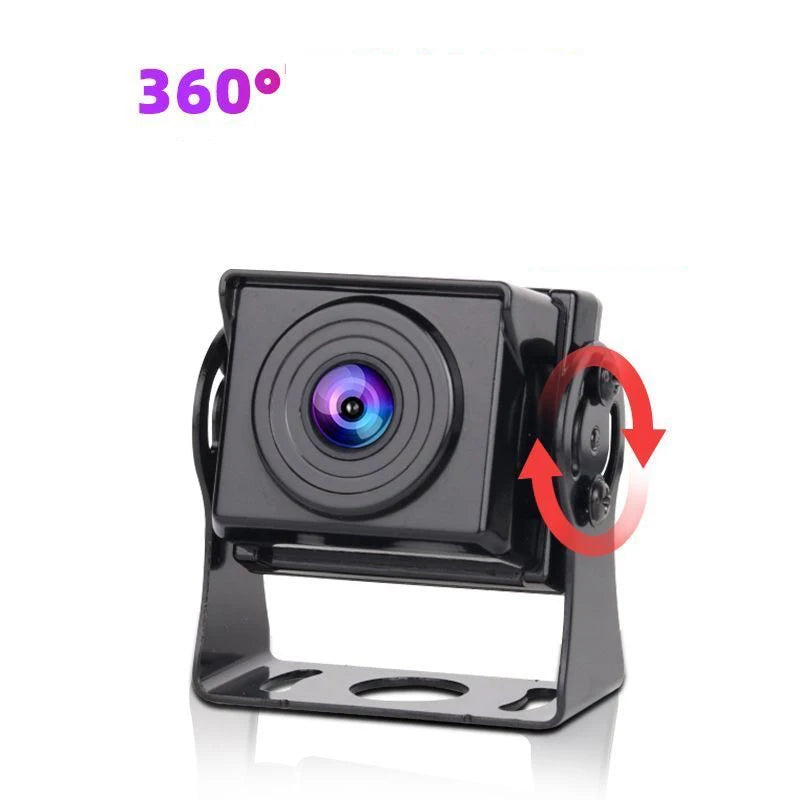
Reversing Camera Truck Night Vision 12V 24V
Reversing camera for trucks with night vision and a 170 degree wide angle lens. Parking guide lines included, built for 12V and 24V vehicles.
Regular price
$77.00 NZD
Regular price
$116.00 NZD
Sale price
$77.00 NZD
 Secure shipping
 Easy exchange
 24/7 support
 170 degree wide angle covers the full blind zone
Night vision keeps yards and docks visible after dark
Parking guide lines aid distance judgement
Built for 12V and 24V trucks and utes
Quantity
Couldn't load pickup availability
Specifications
Specifications
Compatible With
Compatible With
What’s Included / Care Instructions
What’s Included / Care Instructions


How to Install
1. Mount at the Rear
Fix the camera high at the rear of the truck or trailer, angled down so the 170 degree view covers the bumper zone.
2. Wire to 12V or 24V
Connect power to the vehicle's 12V or 24V system, typically switched by the reverse gear circuit.
3. Connect Your Monitor
Run the video cable to your in cab monitor or head unit and confirm the guide lines appear when you select reverse.
Common Questions Before You Buy
How wide is the camera view?
170 degrees, wide enough to cover the full width behind a truck or trailer plus the corners where pedestrians and posts hide.
Does it work at night?
Yes, it has night vision for dark yards, docks and driveways, where truck reversing accidents most often happen.
Does it show parking guide lines?
Yes, guide lines overlay the image to help judge distance to the dock, trailer or obstacle behind you.
Will it work on my truck's voltage?
Yes, it covers both 12V and 24V systems, so cars, utes, trucks, buses and machinery are all supported.
Is a screen included?
No, this is the camera side of the setup. It connects to your existing in cab monitor or head unit with a camera input. The version options are shown in the product photos.