


AutoSmart Parts
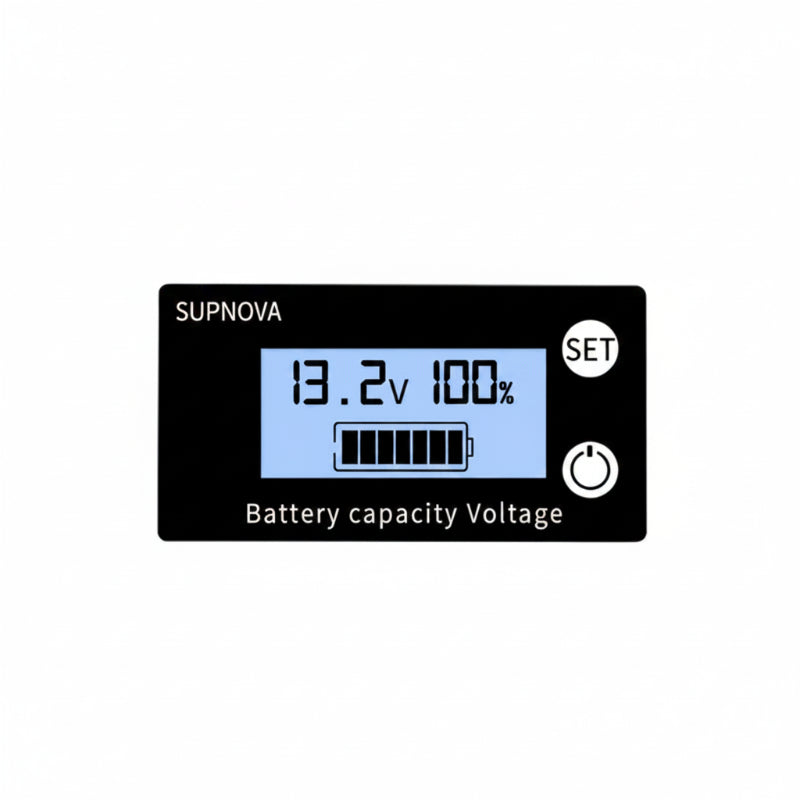
Battery Capacity Indicator DC 8V to 100V, LCD Voltmeter for Lithium Lead Acid LiFePO4
Know exactly how much power is left before the battery fails. This LCD indicator shows voltage and capacity across 8V to 100V, working with lithium, lead acid and LiFePO4 systems.
Regular price
$18.00 USD
Sale price
$18.00 USD
Regular price
$24.00 USD
Save $6
 Secure shipping
 30 Days Easy Return
 Easy Install
 24/7 support
 Shows voltage and battery capacity at the same time
Wide DC 8V to 100V range covers 12V to 72V batteries
Works with Lithium, Lead Acid, and LiFePO4
Reverse polarity protected, safe to install
Frequently bought together
-
Car Battery Terminal Quick Release Disconnect Switch with Cable, Brass and AluminumAluminum Alloy 10AWG, 50cm$49.00 $63.00

Total: $18.00
Couldn't load pickup availability
Specifications
Specifications
Compatible With
Compatible With
What’s Included / Care Instructions
What’s Included / Care Instructions




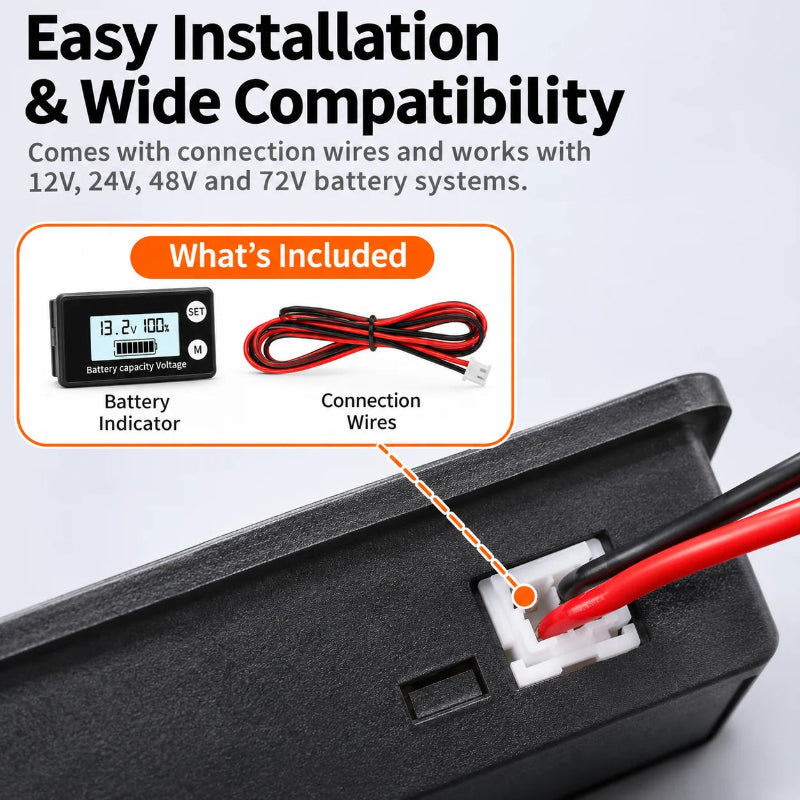
Quick Install
1. Cut the Mount Hole
Mark and cut a 58 × 28 mm rectangular hole in your dashboard or panel. Test fit the indicator before final mounting.
2. Connect the Wires
Connect red wire to battery positive (+) and black wire to negative (-). Reverse polarity protection guards against wrong wiring.
3. Mount and Read
Push the indicator into the cutout. The LCD lights up showing real time voltage and battery capacity percentage.